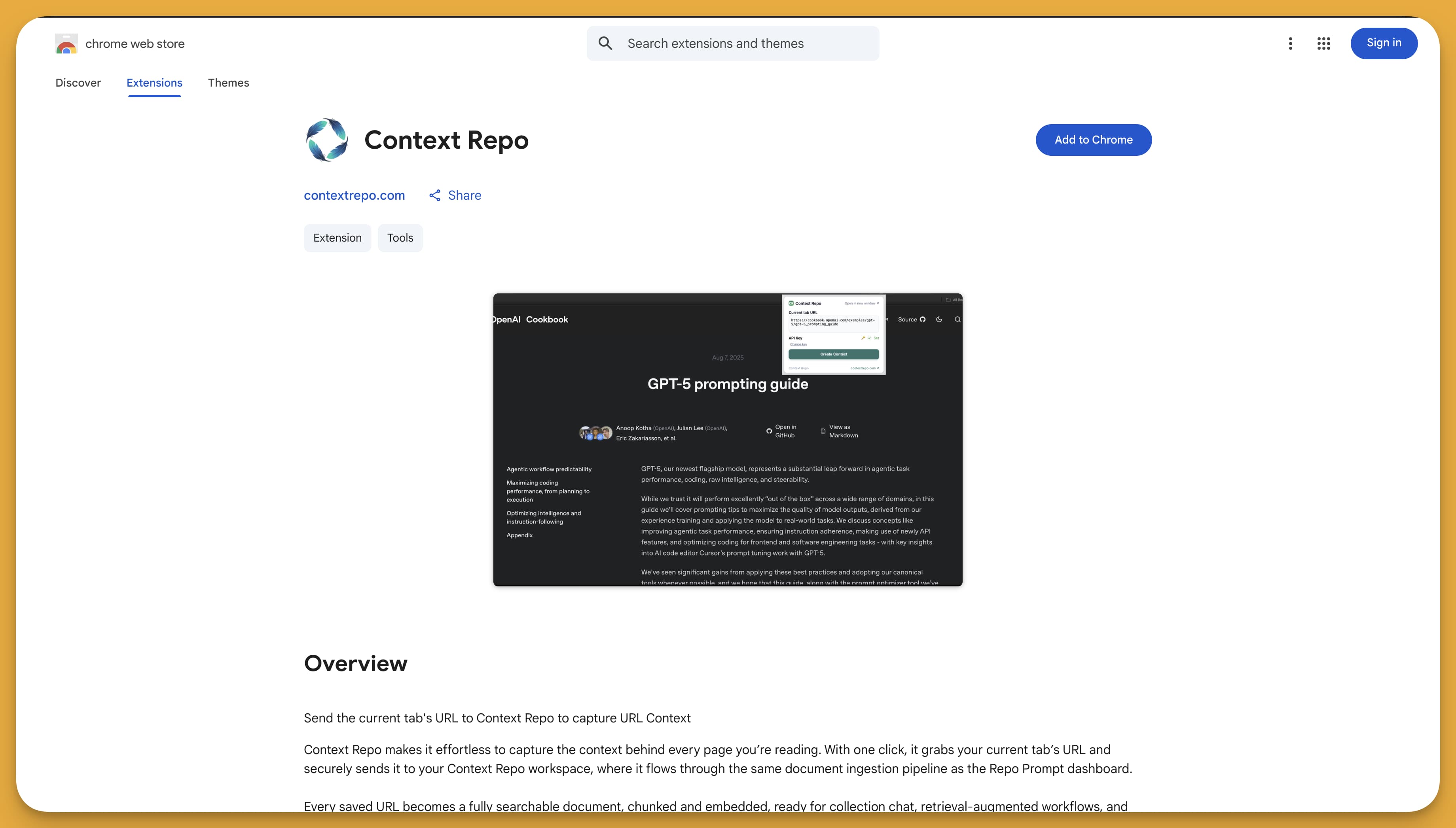
Capture Context From Any Tab
One click to save any webpage into your Context Repo workspace. The same intelligent Firecrawl-powered extraction you trust, now available directly from your browser toolbar.
Ready in less than a minute





How It Works
Three simple steps to capture any webpage into your context library
Click the Extension
Find an interesting article, documentation, or research page. Click the Context Repo icon in your toolbar.
Save to Context Repo
Press the save button. The extension sends the URL to our Firecrawl-powered pipeline for intelligent extraction.
Context Ready
Clean, searchable content flows into your workspace. AI auto-classifies it into the right collection.
Powerful Features, Simple Interface
Everything you need to build your personal knowledge base from the web
One-Click Capture
Save any webpage instantly without leaving your current tab
Firecrawl Powered
Same intelligent scraping pipeline as the dashboard
Auto-Organization
AI automatically classifies content into collections
Searchable Context
Full-text and semantic search across all your content
Get Started in Under a Minute
Four simple steps to supercharge your web research
Generate an API Key
Go to Settings → API Keys in your Context Repo dashboard and create a key for the Chrome Extension.
Install the Extension
Visit the Chrome Web Store and click "Add to Chrome" to install the extension.
Configure Your API Key
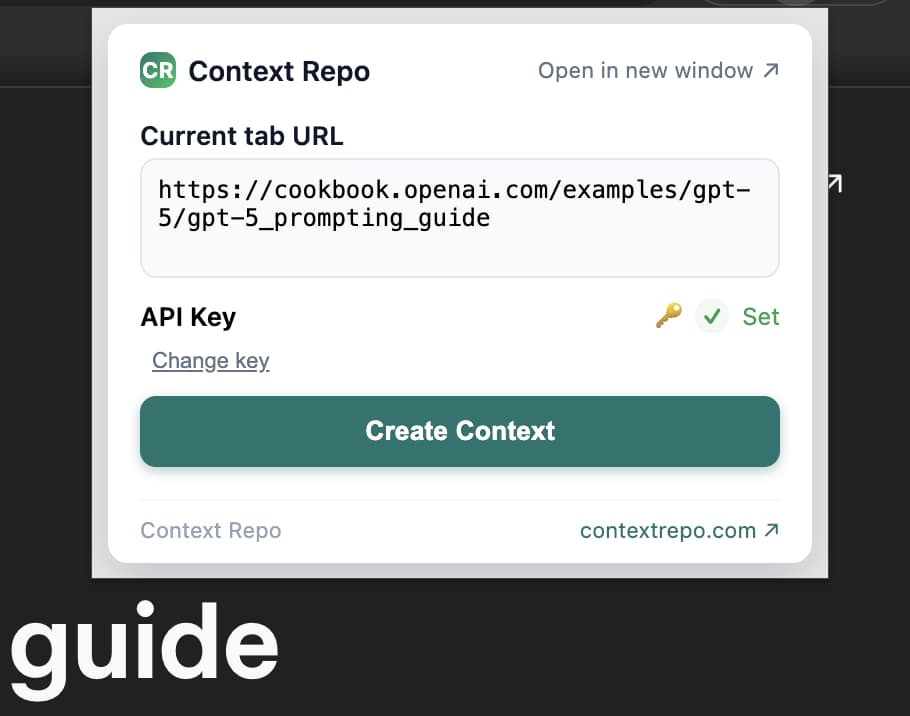
Open the extension popup, paste your API key, and save. The key is stored securely in your browser.
Start Capturing
Browse to any webpage and click the extension icon to save it to your Context Repo workspace.
Your Content, Everywhere You Need It
Captured content flows seamlessly into your entire Context Repo ecosystem
Collection Chat
Chat with your captured content using RAG-powered AI. Ask questions across all your saved pages.
MCP Server Access
Give Claude, Cursor, and other AI assistants direct access to Read & Write to your captured content.
Learn moreDocument Library
All captured pages become searchable documents with full version history and editing.

Start Capturing Context Today
Join thousands of researchers, developers, and knowledge workers who save hours by capturing web content in one click.